
Best Preview App Alternative for Instagram Grid Planning
PlanMyGrid vs Preview App — why creators are switching to a free, AI-powered Instagram grid planner
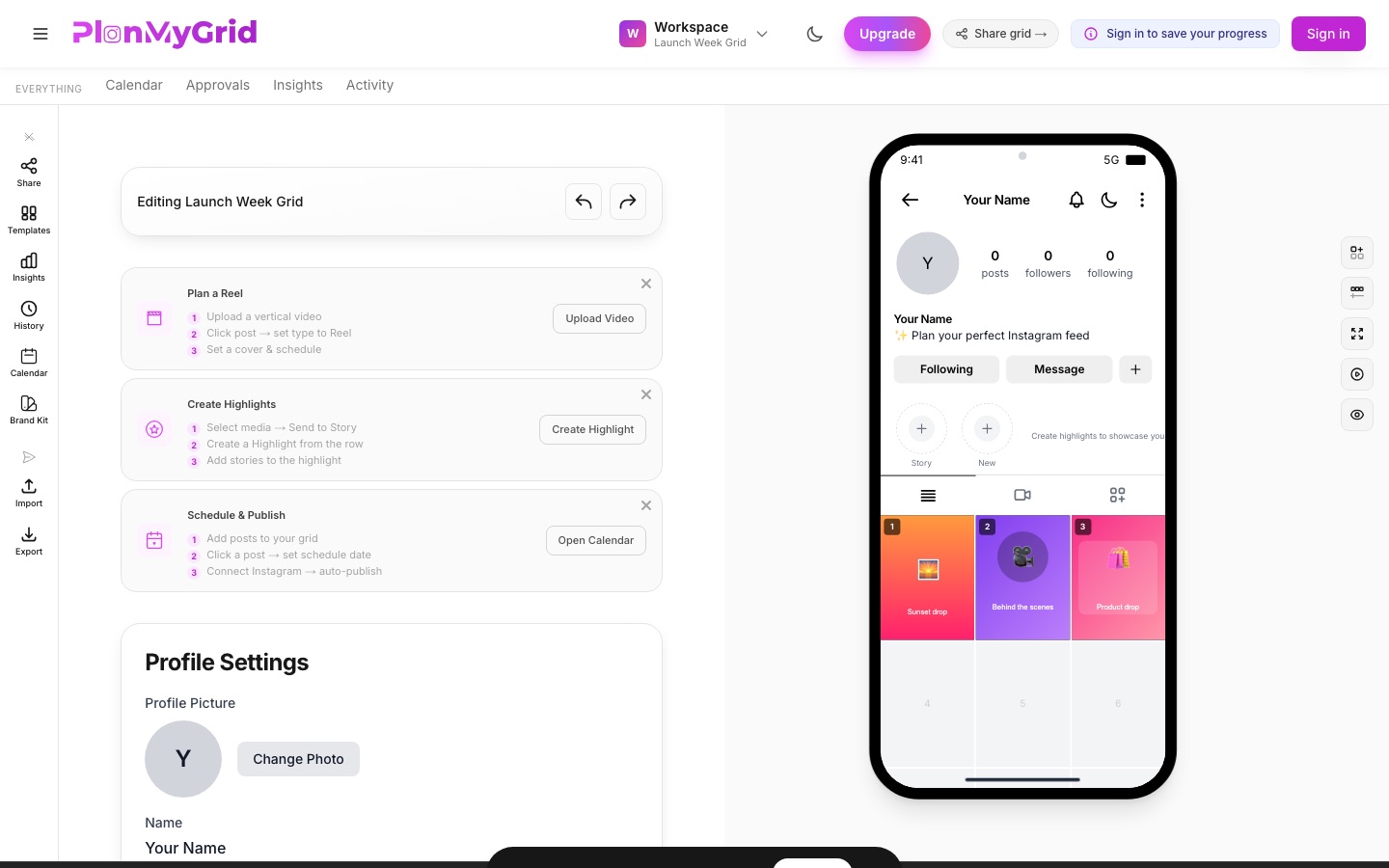
PlanMyGrid vs Preview App: Full Comparison
| Feature | PlanMyGrid | Preview App |
|---|---|---|
| AI-Powered Features | ✅ AI captions, hashtags, bio generator, and color analysis | ⚠️ Captions and hashtags come from a library, not AI |
| Free Tier | ✅ Free forever with 1 grid, 20 uploads, and a comments-only share link — in any browser, on desktop or phone | ✅ Free mobile app with unlimited posts; the desktop version is Premium only |
| Direct Instagram Publishing | ✅ Publish directly to Instagram from the grid planner | ✅ Auto-post on the free mobile app |
| Reels, Stories & Highlights | ✅ Visual Reels planning with custom covers, Stories queue, Highlights, and Carousel builder | ✅ Plans Reels with covers, and Stories |
| Client Approval | ✅ Clients comment on Free and Pro; approval sign-off and reviewer chains on Studio ($29/month) | ❌ No client approval workflow |
| Share & Collaboration | ✅ Shareable links with analytics — no login required | ✅ Unlimited team members via shared access |
| Pricing | Free; Pro $9/month or $79/year | Free app; Pro $6.67 and Premium $12.50 per month billed yearly ($7.99 / $14.99 monthly on the App Store) |
Why Choose PlanMyGrid Over Preview App?
- AI-powered captions, hashtags, and color analysis
- Offline-first workflow with cloud sync
- Free in any browser — Preview App's desktop version is Premium only
- Plan Reels with custom covers, Stories, Highlights, and Carousels
- Direct Instagram publishing and content calendar
- Shareable grid links — viewers need no account
About Preview App
Preview App is a popular Instagram grid planner that helps users visualize their feed before posting.
Important: Preview App's mobile app is free, with unlimited posts, Reels, Stories and auto-posting. Its desktop version is Premium only, so you cannot use it for free on a laptop.
PlanMyGrid's free plan runs in any browser, on desktop or phone, and you can start planning without an account.
Frequently Asked Questions
What is the best Preview App alternative in 2026?
If you plan on a laptop, PlanMyGrid is a strong Preview App alternative. Preview App's mobile app is free, but its desktop version is Premium only. PlanMyGrid's free plan runs in any browser, on desktop or phone, with drag-and-drop grid planning, AI captions, offline editing, and a share link.
Is PlanMyGrid better than Preview App for Instagram grid planning?
It depends on where you plan. If you plan only on your phone, Preview App's free mobile app covers posts, Reels, Stories and auto-posting. If you plan on desktop or want AI captions, hashtags and color analysis, PlanMyGrid does that on its free plan; Preview App's desktop version needs Premium, and its captions come from a library rather than AI.
Can I share my grid with clients using PlanMyGrid?
Yes. PlanMyGrid lets you generate shareable grid links that anyone can view without creating an account. On Free the link is comments-only and watermarked; Pro gives unlimited links where clients view and comment; client approval sign-off is on Studio.
Does PlanMyGrid have a free plan unlike Preview App web?
Yes. PlanMyGrid's free plan includes 1 active grid, 20 media uploads, a comments-only share link, and 2 free AI tries, in any browser on desktop or phone. Preview App's free plan is its mobile app; its desktop version is Premium only.
Looking for more options? See our full comparison of all 10 Instagram grid planners →
Compare with Other Instagram Grid Planners
PlanMyGrid vs Plann
Grid planning vs content scheduling
PlanMyGrid vs UNUM
Best UNUM alternative with AI features
PlanMyGrid vs Later
Dedicated grid planner vs multi-platform tool
PlanMyGrid vs Planable
Grid-first planning vs multi-network approval
Top 10 Grid Planners in 2026
Full comparison of every Instagram grid planner
Ready to try PlanMyGrid?
Start planning your Instagram grid for free. No credit card required.
Try PlanMyGrid Free